
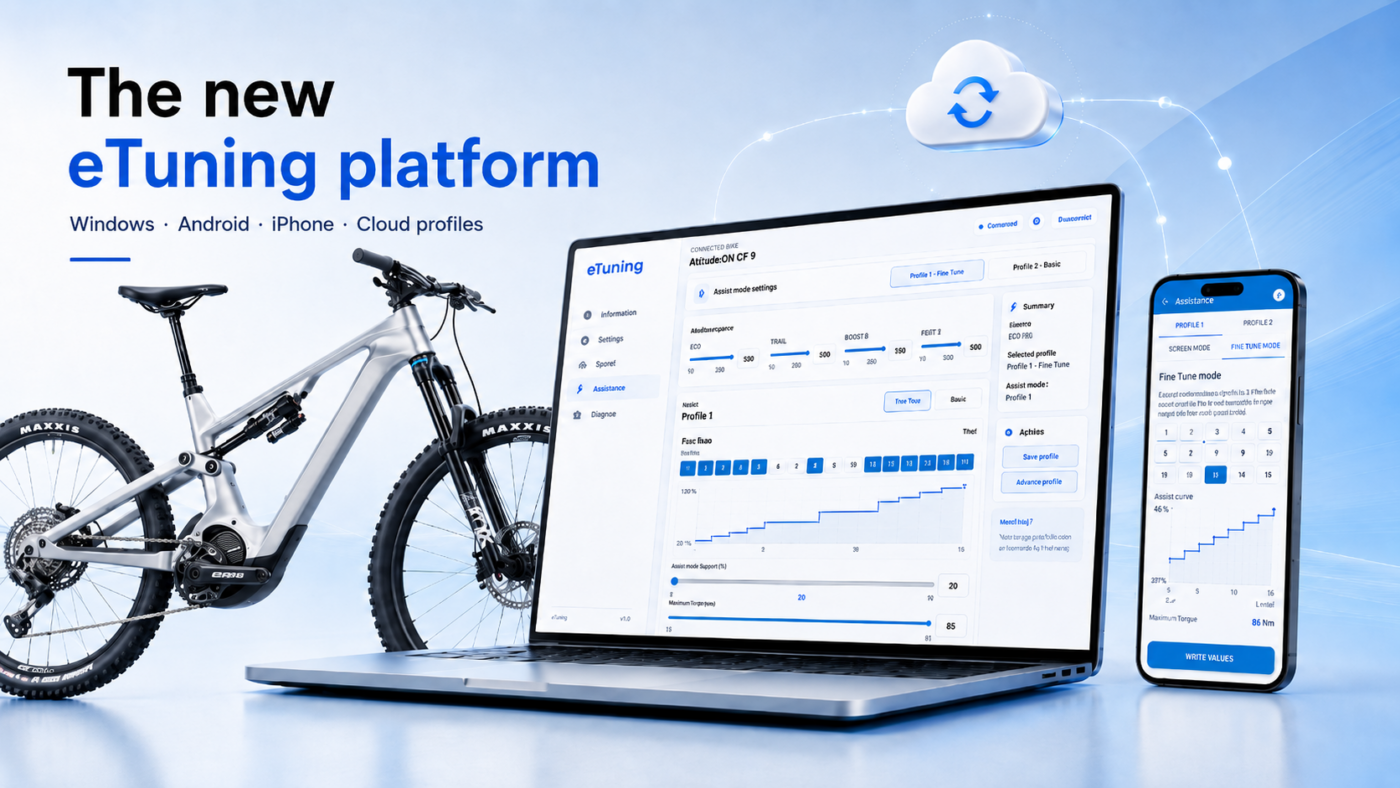
eTuning has changed a lot since the older mobile-only versions.
On compatible older motors, supported settings can be changed over Bluetooth. EP801 and EP6: Pro over Bluetooth or Plus with an interface; EP5: interface.
eTuning also adds cloud bike profiles and keeps the license linked to the motor, so the same bike can be recognized across your devices.
The connection method depends on the motor, function and license.
What changed in eTuning compatibility?
Older Shimano STEPS motors are now easier to prepare from a phone. eTuning for Android and iPhone includes the process that older guides described as a manual downgrade.
With eTuning Pro, EP801 and EP6 / EP600 support region and wheel circumference changes over Bluetooth on Android or iPhone, without SM-PCE1 or SM-PCE02. With Plus, initial region and wheel settings require SM-PCE1 or SM-PCE02 and eTuning for Windows or Mac; you can then adjust maximum speed from your phone. EP5 / EP500 still uses the SM-PCE1 or SM-PCE02 desktop interface method.
To check your bike, use the eTuning compatibility tool or connect it with the latest eTuning app.
What older guides say vs what eTuning does now
| Old information | What changed |
|---|---|
| eTuning is mainly a mobile app | eTuning now works on Android, iPhone and desktop |
| EP801, EP6 and EP5 are not supported for region and assistance-speed configuration | EP801 and EP6: Pro over Bluetooth or Plus with an interface; EP5: interface. |
| iPhone users need Android to prepare older motors | Older compatible motors can now be prepared from the iPhone app |
| Downgrade preparation requires an old Android phone with DATA folder access | No old Android phone or manual DATA folder access is needed |
| Backups are 100% manual | Bike profiles and backups can be stored in the cloud |
eTuning for desktop now supports Shimano region and assistance-speed configuration
SM-PCE1 or SM-PCE02 is required for initial region and wheel settings with Plus on EP801 / EP6, and for the EP5 / EP500 desktop workflow.
Pro availability depends on the exact motor model.
Preparation on iPhone and Android
Older guides describe preparation as a manual process with external files, E-TUBE steps, Android-only workarounds or an old Android phone with DATA folder access. For compatible older Shimano STEPS motors, eTuning now guides this process inside the Android or iPhone app.
This is especially important for iPhone users: you no longer need to switch to Android just to complete the preparation step.
- the app detects the motor and firmware
- the app shows the available preparation and configuration options
- you follow the steps directly in eTuning for Android or iPhone
Cloud bike profiles and backups
Cloud bike profiles let you save bike configurations and use them across devices. They are useful for backups, restores, presets and keeping the original configuration stored safely.
How to check your current eTuning compatibility
Select your motor and firmware in the eTuning compatibility tool. If you do not know the firmware version, connect the bike and eTuning will detect it.
Check compatibility with the eTuning tool
Frequently asked questions
Is old information about eTuning still accurate?
Some older posts, videos and comments describe previous eTuning versions. Check compatibility before following old instructions.
Does eTuning support EP801 region and assistance-speed configuration?
Yes. On EP801, use Pro over Bluetooth or Plus with SM-PCE1 or SM-PCE02 to configure region and wheel circumference.
Does eTuning support EP6 / EP600 and EP5 / EP500 region and assistance-speed configuration?
Yes. EP6 / EP600 supports Pro over Bluetooth or Plus with an interface. EP5 / EP500 still requires SM-PCE1 or SM-PCE02.
Does EP801 work the same way as EP800?
EP800 and EP801 use different configuration methods; follow the guide for your motor.
Does iPhone still require Android for compatible older motors?
No. Compatible older motors can now be prepared from the iPhone app.
Does Android still require manual file procedures?
No. The Android app now guides the preparation process.
Where can I check the latest compatibility?
Use the eTuning compatibility tool or connect your bike with the latest app.