
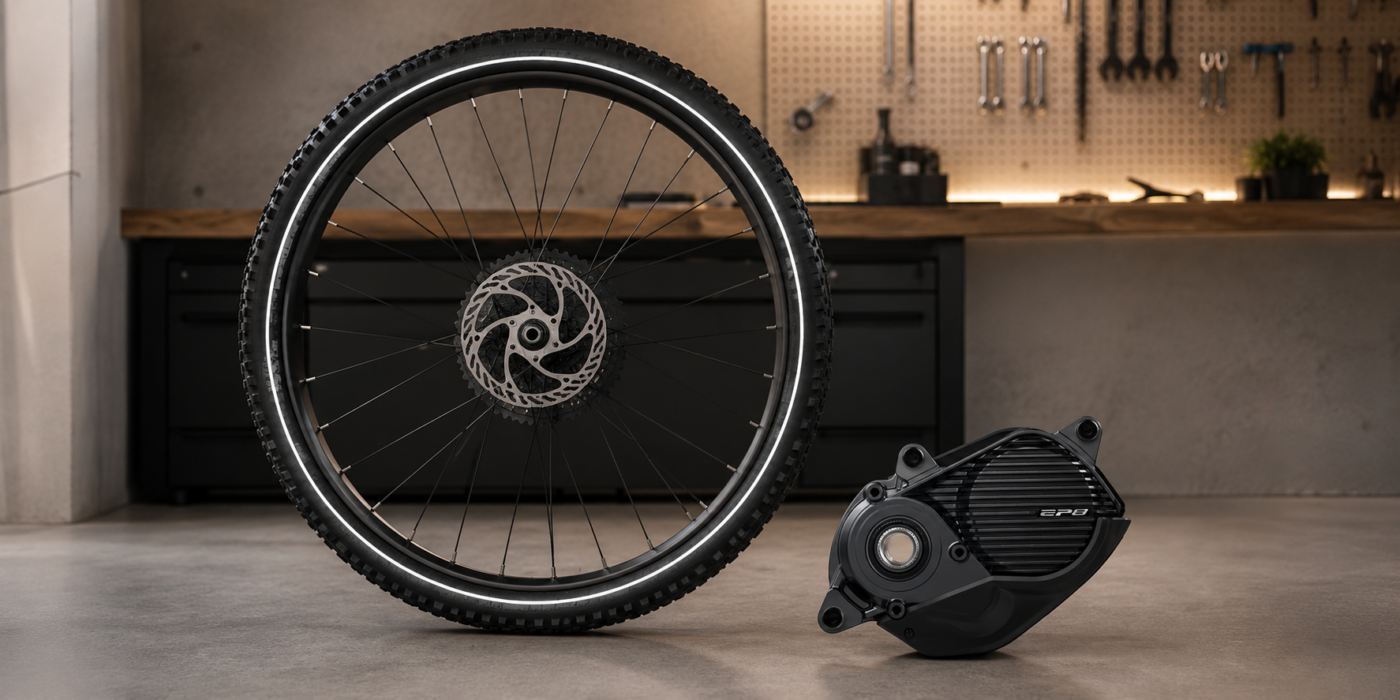
When a new or replacement Shimano STEPS motor is installed, it may come with a generic 3000 mm wheel circumference. That value does not match a normal e-bike wheel and can make the bike calculate speed, distance and assistance cut-off incorrectly.
Although many users call it “wheel diameter”, the technical value stored in the motor is the wheel circumference in millimetres. If the motor has not been configured for your exact bike, the correct fix is to write the real wheel circumference.
How to change wheel circumference on Shimano STEPS
| Motor group | Included motors | Method to change wheel circumference with eTuning |
|---|---|---|
| New or cargo Shimano STEPS motors | EP801 / EP801-RS / EP801-CRG EP6 / EP600 / EP6-RS / EP6-CRG EP5 / EP500 EP800-CRG E6100-CRG | EP801 and EP6: Pro over Bluetooth or Plus with an interface; EP5: interface. Pro availability depends on the exact motor model. |
| Earlier Shimano STEPS motors | EP800 / EP8 / EP800-RS E8000 / E8080 E7000 / E6100 / E6110 / E6180 E6000 / E6010 E5000 / E5080 / E5080-H | Android, iPhone or eTuning for desktop depending on motor |
On EP801 and EP6 / EP600, Plus allows 3 wheel circumference changes by cable; Pro allows unlimited changes over Bluetooth. Measure the wheel and enter its actual circumference.
Symptoms of an incorrect wheel circumference
- Assistance cuts before a real 25 km/h.
- The bike seems to assist only up to about 18, 19 or 20 km/h.
- The display shows a different speed from the real speed.
- Distance or odometer values do not match reality.
- After replacing the motor, the bike no longer behaves as before.
- The motor is new or a replacement unit and has not yet been configured for that bike.
This does not necessarily mean the motor is broken. Often the motor simply still has generic values or values from another bike.
Why this happens with new or replacement motors
When a Shimano motor is installed at the factory, the bike manufacturer normally configures specific data for that bike: wheel, gearing, number of speeds, transmission, mounting angle and other parameters. A motor bought separately may not have those values prepared.
That is why a replacement motor can be physically fine but still have a 3000 mm wheel value or another setup that does not match your bike. If this is your case, see the guide about configuring a new Shimano STEPS replacement motor.
Why some workshops cannot change this value
Wheel circumference does not only affect the speedometer. It can also affect the assistance cut-off point, so in many official workflows it is not available as a normal workshop setting.
A workshop may diagnose, update firmware or adjust basic settings, but it may not always have access to deeper drive-unit parameters. This is where eTuning can help when the motor and method are compatible.
How to measure the correct circumference
- Inflate the tyre to normal riding pressure.
- Mark the floor and the tyre.
- Apply a load similar to real riding use.
- Move the wheel forward one complete revolution.
- Measure the travelled distance in millimetres.
- Use that value as the wheel circumference.
As a reference, a 27.5” wheel is often around 2150-2250 mm and a 29” wheel around 2250-2350 mm, depending on tyre, pressure and load. A 3000 mm value is far above normal.
How it is changed with eTuning
On compatible earlier Shimano STEPS motors, eTuning can change wheel circumference from Android or iPhone by Bluetooth. The app detects the motor and shows the functions available for your setup.
With eTuning Pro, EP801 and EP6 / EP600 support region and wheel circumference changes over Bluetooth on Android or iPhone, without SM-PCE1 or SM-PCE02. With Plus, initial region and wheel settings require SM-PCE1 or SM-PCE02 and eTuning for Windows or Mac; you can then adjust maximum speed from your phone. EP5 / EP500 still uses the SM-PCE1 or SM-PCE02 desktop interface method. For the wired setup, see the SM-PCE1 or SM-PCE02 guide.
To confirm the exact method for your bike, use the compatibility selector on the home page.
Installed motor or loose motor
With the motor installed in the bike, use Bluetooth with Pro on EP801 / EP6, or SM-PCE1 or SM-PCE02 with the appropriate desktop method.
If the motor is outside the bike, without battery, display or full assembly, direct motor connection can be used when the method is compatible. In that case, the motor must be physically isolated and connected only through the interface. See the guide about direct motor connection for Shimano STEPS.
Conclusion
Measure the actual wheel circumference and choose the method supported by your motor and license to correct the 3000 mm value.
Frequently asked questions
Why does my new Shimano motor have a 3000 mm wheel value?
Because it may come with generic factory values or may not yet be configured for your exact bike.
What happens if the wheel is set to 3000 mm?
The bike may calculate speed incorrectly, cut assistance too early and show wrong distance or odometer values.
Can I change the wheel from Android or iPhone?
On compatible older motors, supported settings can be changed over Bluetooth. With eTuning Pro, EP801 and EP6 / EP600 support region and wheel circumference changes over Bluetooth on Android or iPhone, without SM-PCE1 or SM-PCE02.
How many times can I change wheel circumference on EP801 and EP6 / EP600?
On EP801 and EP6 / EP600, Plus allows 3 wheel circumference changes by cable; Pro allows unlimited changes over Bluetooth. Measure the wheel and enter its actual circumference.
Is changing wheel circumference legal?
Setting the real circumference helps the bike calculate speed and distance correctly. Artificial values used to alter assistance limits can affect public-road legality.